How to get the most out our FAVORITE PROPERTY TOOL
Flagging properties you're most interested is a very smart idea. This way you build a list that you can access anytime.
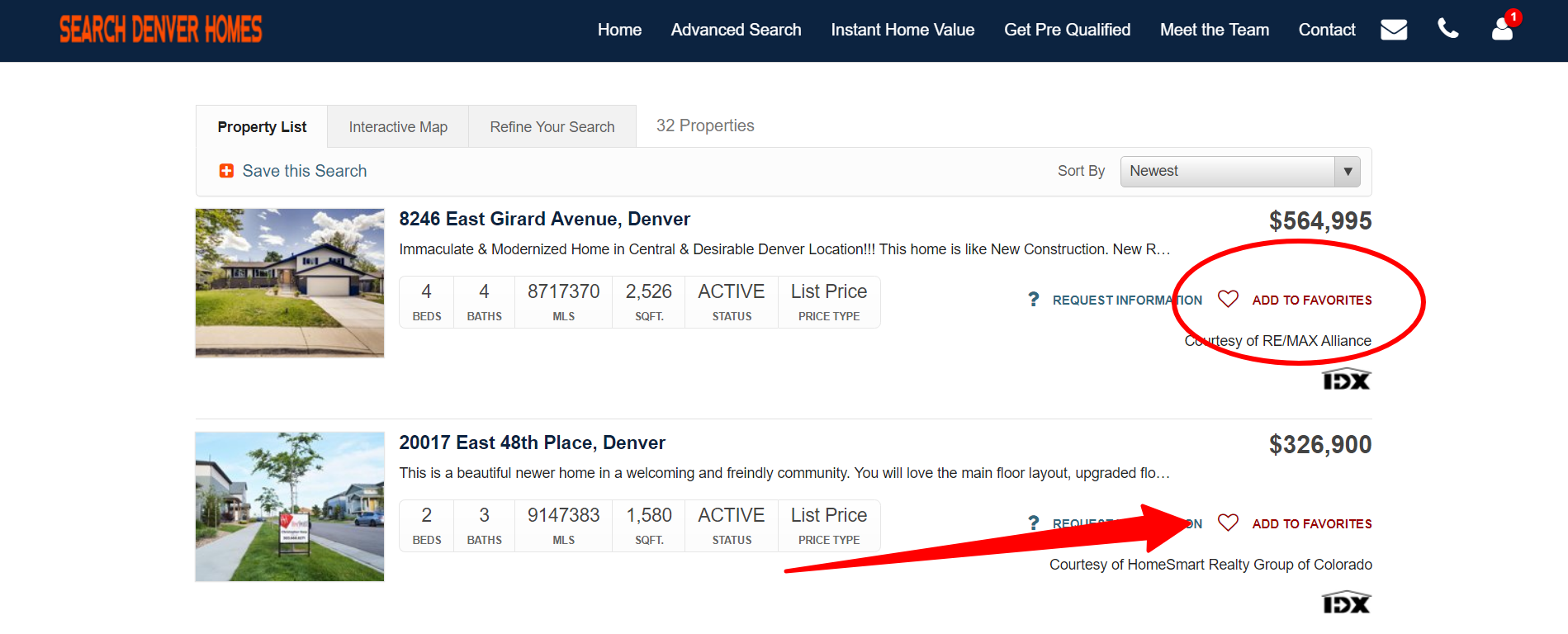
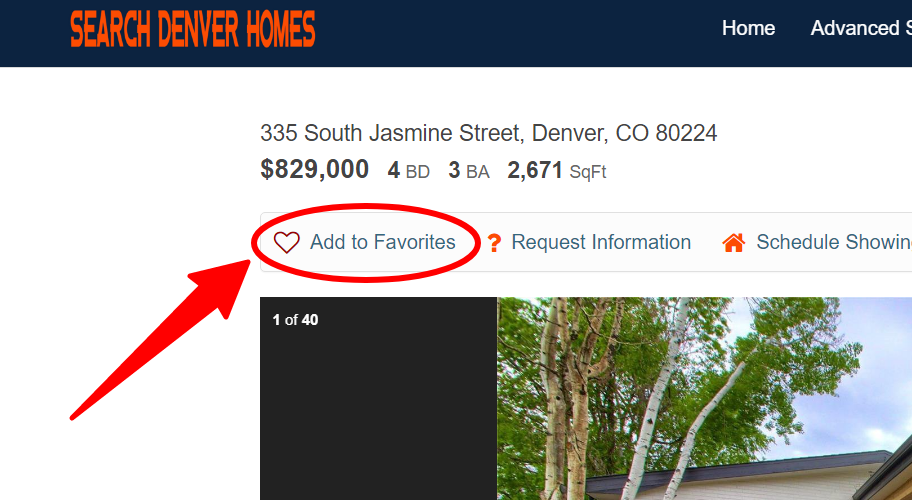
When you see a property you want to add to your favorites simply click the Heart ADD TO FAVORITES.
You can flag a property on a property list page:
Or on a property details page:
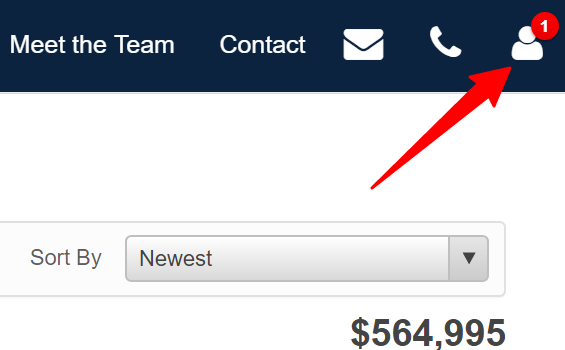
When you want to access your list of favorites.
Click your profile icon at the top right of any page:
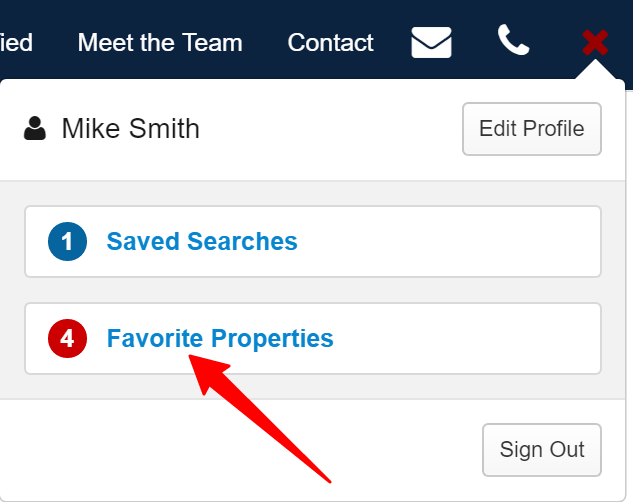
Then select Favorite Properties.